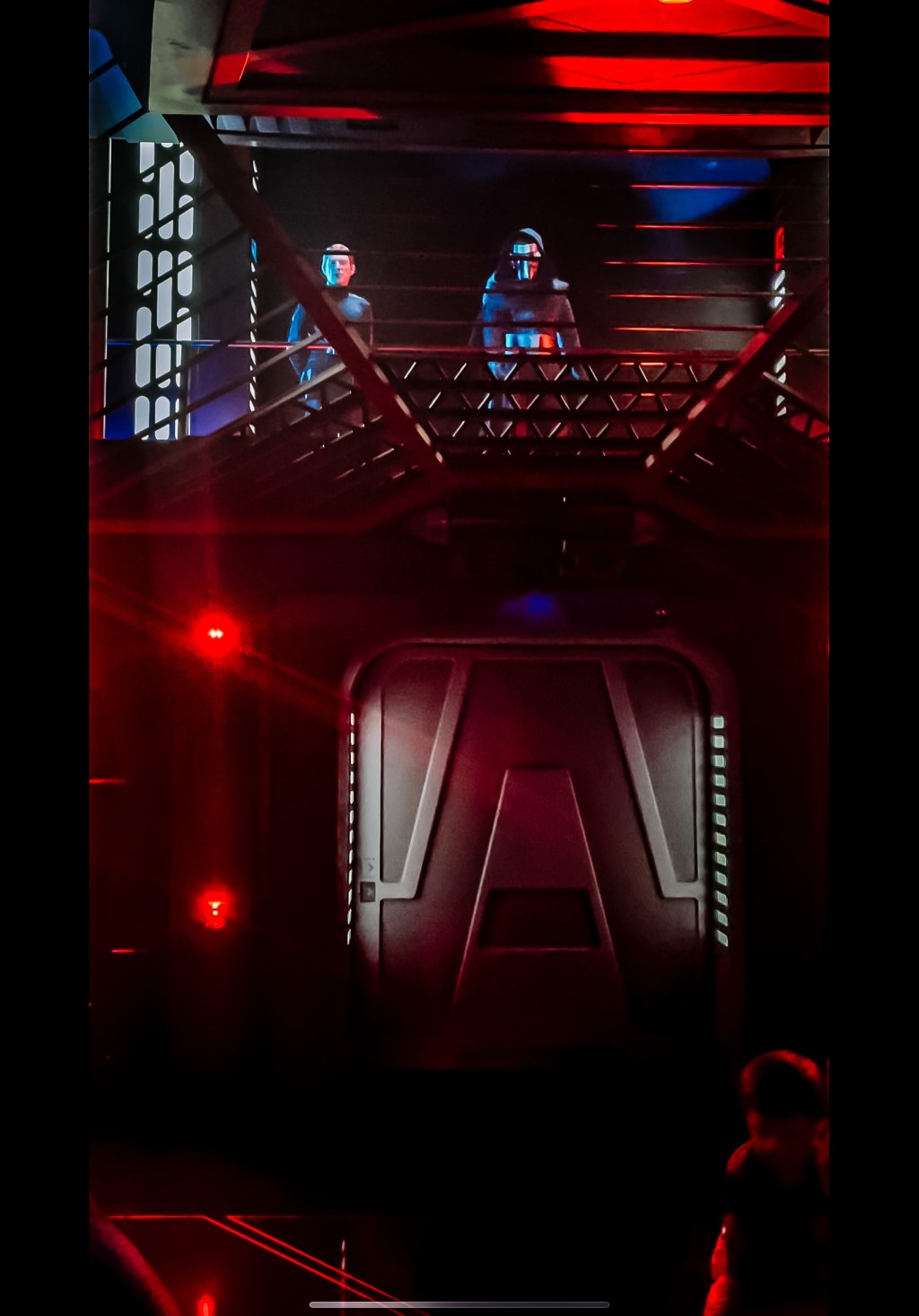
Hi! My name is Rhiyan or as my mom likes to refer to me in her blog posts, “the teenager”; but please Rhiyan is fine. During my birthday trip I reserved us a spot in the Rise of Resistance virtual queue. After completing weeks of research through some reliable sources such as TikTok and Instagram, I have decided to pass on what I have learned.
Before I share my knowledge, I want to help others understand why this ride even has a virtual queue. Star Wars: Rise of Resistance is the newest attraction in Galaxy’s Edge, and because of that it’s predicted to have extensive lines. If you have ever rode a popular ride you know those lines can last for hours. To prevent this Disney has created virtual queues which ensure “you enjoy the rest of Star Wars: Galaxy’s Edge while you wait to experience the Star Wars: Rise of the Resistance attraction.” This was a great move on Disney’s part to reduce stress from families, while staying cautious and preventing the spread of Covid-19. While there are pros of this decision it comes with its challenges and disappointments, such as not scoring that spot in the virtual queue but that’s what I’m here for!
I’ll just get straight to it. The virtual queue process happens at 7:00 am, so set your alarms, or if you prefer to sleep in or ride later on try for 1:00 pm. When planning, people don’t realize how fast these spots go. They literally go in seconds which is why it’s important to be prepared. Once the time comes and it’s minutes (preferably 15-25 minutes before just in case of technical difficulties) before the virtual queue opens follow these instructions.
- Make sure you are not on Disney Wifi or Wifi at all, so preferably use cellular.
- Log out of your My Disney Experience app and log back in. This will reset the app and hopefully make things smoother.
- Make sure that your entire party is already in your group, because if you wait until you try to join the queue to add or even check if everyones in your group it would waste time and could cost you that spot so double and triple check before!
- Locate the virtual queue screen so you’re prepared to click when ready. This should be located on the main page if you scroll down a little.
- Swipe away any apps other than the My Disney Experience App, which will also improve smooth transitions.
- Now, on a screen you’re not already using, pull up the world clock that includes seconds. (very important that it includes seconds)
- When the time hits exactly 6:59:59 am click join queue! This will take you to add people to your group but you have already done that and triple checked in step 3, so just keep clicking. There should be one more slide and it will be the final slide that allows you to join. Click as fast as you can and hopefully you earned yourself a spot in the Rise of Resistance queue.
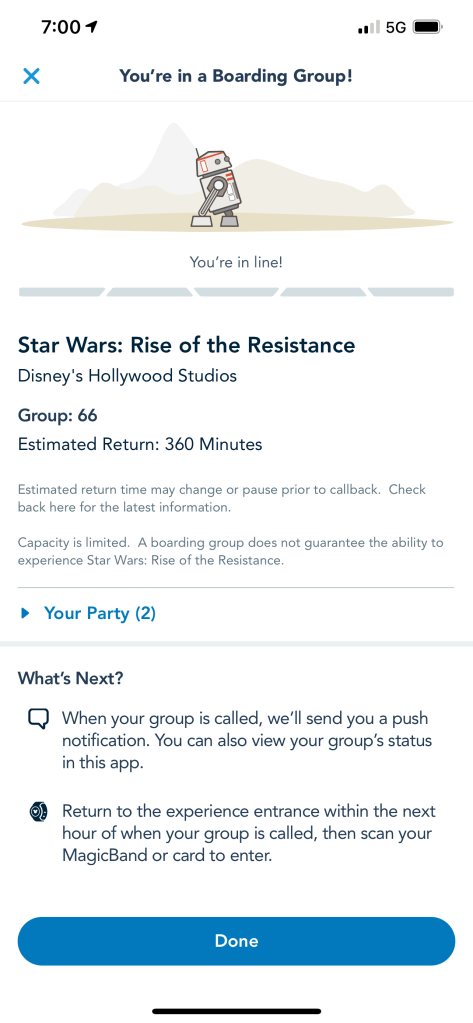
- Tip: if your screen says anything about an error with a glitch in the system, screenshot it and take it to guest services. They may be able to help and maybe secure you a spot, if the problem was on their end. Thank you for taking the time to read this and I wish you the best in securing a spot and I hope you all have a magical time on your disney trip!
Rhiyan
 Mommy Daughter Adventures